November 14, 2026
The top 3 things you can do with each SYQEL app
SYQEL visualizes music at the instrument level. Here are the three best things to do first in SYQEL Desktop, SYQEL Live, SYQEL Art and SYQEL Studio.
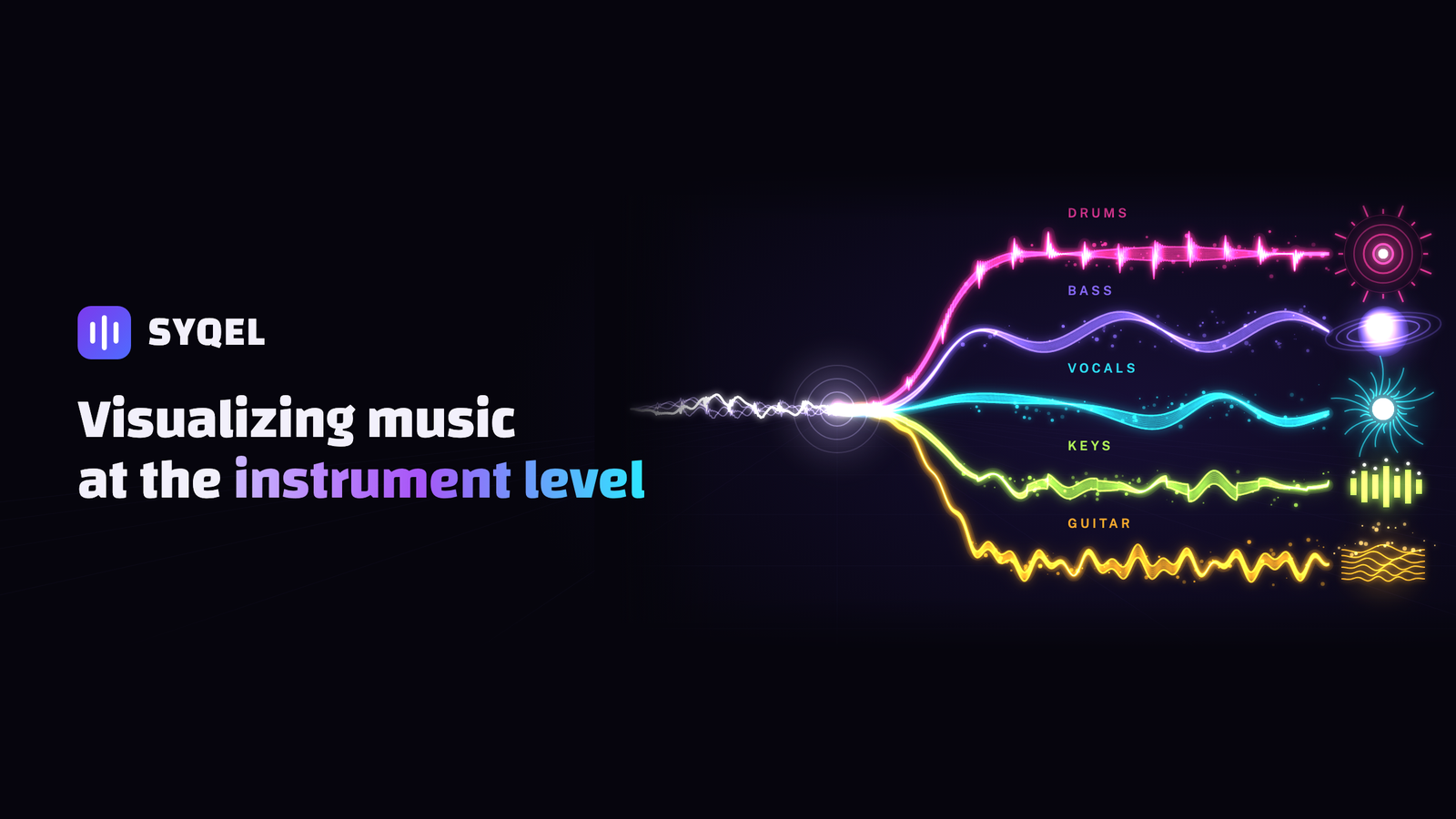
SYQEL visualizes music at the instrument level.
Most visualizers hear one thing: how loud the music is. SYQEL hears the kick, the snare, the hats, the bass, the vocals and the keys separately. Every visual is built with many effects inside it, and each effect can follow a different instrument. So you can give each instrument its own visual job: the kick flashes, the bass swells, the vocals glow.
There are four SYQEL apps. Here are the top 3 things to do in each one.
SYQEL Desktop: the flagship app
For venues, DJs and VJs. Mac, Windows, and in your browser.
1. Press R and record your set in four formats. One recording saves four videos at once, with your audio: 16:9, 1:1, 9:16 and 4:5. That’s every social platform, ready to post. No OBS needed.
2. Connect your DJ software directly. Pick rekordbox, Serato and more as your sound source. No cables. The visuals react to every instrument in your mix, and Desktop keeps playing even with no internet.
3. Put your brand on the wall. Add up to nine logos and switch them on keys 1–9, plus scrolling marquee text. Then send the show to the venue screen, OBS, NDI or Spout.
Learn SYQEL Desktop step by step →
SYQEL Live: the livestreaming app
For DJs who stream. Mac and Windows.
1. Step onto a virtual stage. Pick a stage, turn on your webcam, and SYQEL Live removes your background and puts you in the booth, with your visuals on the screens behind you.
2. Multistream to every platform at once. Twitch, YouTube, Kick, Mixcloud Live, Facebook, X, LinkedIn and Trovo. One show, every destination, no OBS.
3. Record the whole session. Turn on Record too and you get an MP4 of exactly what your viewers saw. Or record without going live at all.
Learn SYQEL Live step by step →
SYQEL Art: the playback app
For listeners who want a hands-off show. Browser, phones, computers and TVs.
1. Travel through 3D worlds. Neon cities, coral reefs, snowy passes, fields of stars. Each part of the music moves a different part of the world.
2. Let the Director take you on a journey. It listens to the shape of the song and moves you from world to world. A big drop gets a fast cut. A quiet break gets a slow fade. Or pin a world you love and stay.
3. Put it on your TV. SYQEL Art runs on Apple TV, Fire TV and Android TV, as well as the browser, phones and computers. New worlds arrive by themselves.
Learn SYQEL Art step by step →
SYQEL Studio: the professional playground
For making visuals yours. Free, in your browser at studio.syqel.com.
1. Give each instrument a job. Every visual has 32 effects: flash, glow, sparkle, shockwave, fog and more. On the Effects Board, choose which instrument drives each one. Move the lightning from the snare to the kick, and it flashes on every kick.
2. Switch between DRIVE and FOLLOW. In DRIVE, the music drives one whole world. In FOLLOW, each instrument gets its own shape and colour on screen. It comes alive when the instrument plays and rests when it stops.
3. Create a brand-new visual with AI, then play it everywhere. Describe the visual you want and Studio builds it. Each new visual uses one AI credit, and every account starts with 2 free. Click Save, and it appears in SYQEL Desktop and SYQEL Live on the same account, with your instrument mapping.
Learn SYQEL Studio step by step →
Questions?
Reply to any of my emails, or join my weekly office hour live call on Google Meet, every Thursday at noon US Central time.
Cheers, Yoav