Stream with SYQEL Live
Stream music on Kick with a stage behind you
Press Connect, sign in to Kick, and SYQEL Live fills in your server and stream key. Then it is your camera, a virtual stage and visuals that move with the music.
Free to try · Windows & macOS · No card required
Running visuals for a venue or a VJ set instead? SYQEL Desktop →
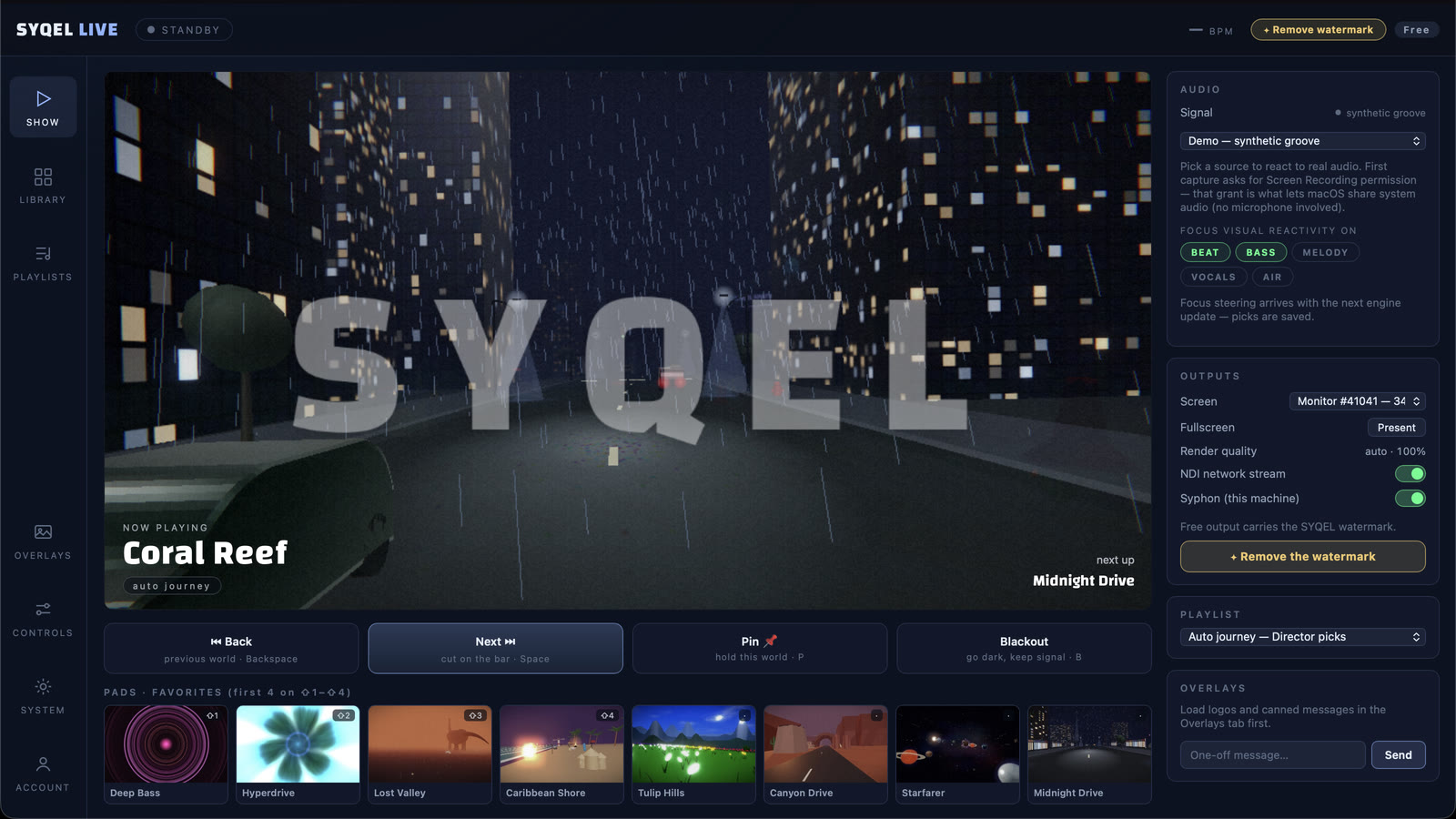
Kick gives each streamer their own server address as well as a key, which is one more thing to copy before a show. SYQEL Live skips that: sign in once and both are filled in for you. From there you stand on a virtual stage, the visuals react to the kick drum, snare and bassline separately, and the stream goes to Kick. Many Kick streamers keep an audience on Twitch or YouTube as well; add those destinations and one show reaches all of them.
Go live on Kick with SYQEL Live
Connect Kick
In the destinations, choose Kick and press Connect. Sign in to Kick and Live fills in your server and key. Prefer to paste? Both are in the Kick creator dashboard under Settings, then Stream.
Build the shot
Turn on your webcam, remove the background with a green screen or the automatic cut-out, and choose a stage.
Press Go Live
Live streams to Kick, and records a copy on your computer if you turn recording on.
Nothing to copy
One-click connect means no server address or key to paste before a stream.
Kick next to your other channels
Grow on Kick while you keep streaming to Twitch or YouTube in the same show.
Visuals that hear each instrument
The kick, snare, hats and bass each move something different on screen.
A stage, not a bedroom
Virtual stages put screens and light around you. The free stages come with the app; a plan unlocks every one.
Stream to more than one platform
SYQEL Live sends the same show to every platform you add, at the same time. How to connect each one:
Free to try. A plan takes the watermark off.
Stream free with the SYQEL watermark in the booth, with every visual pack. A SYQEL Live plan is $25 a month or $249 a year. For one show, a $20 Gig Pass covers 24 hours in SYQEL Live and SYQEL Desktop.
Frequently asked questions
What does Connect do with my Kick account?
It signs you in to Kick so Live can fill in your stream server and key. You can paste them yourself instead.
Can I stream to Kick and Twitch at the same time?
Yes. Add both and press Go Live once. Each platform has its own rules about streaming elsewhere at the same time, so check them.
Do I need OBS for Kick?
No. Live sends the stream to Kick itself.
Is there a watermark?
Free streams carry the SYQEL watermark in the booth. It goes away with a SYQEL Live plan or a Gig Pass.
Related setups
Ready for your next stream?
SYQEL Live is free to try on macOS and Windows.