Stream with SYQEL Live
A stage for your LinkedIn Live events
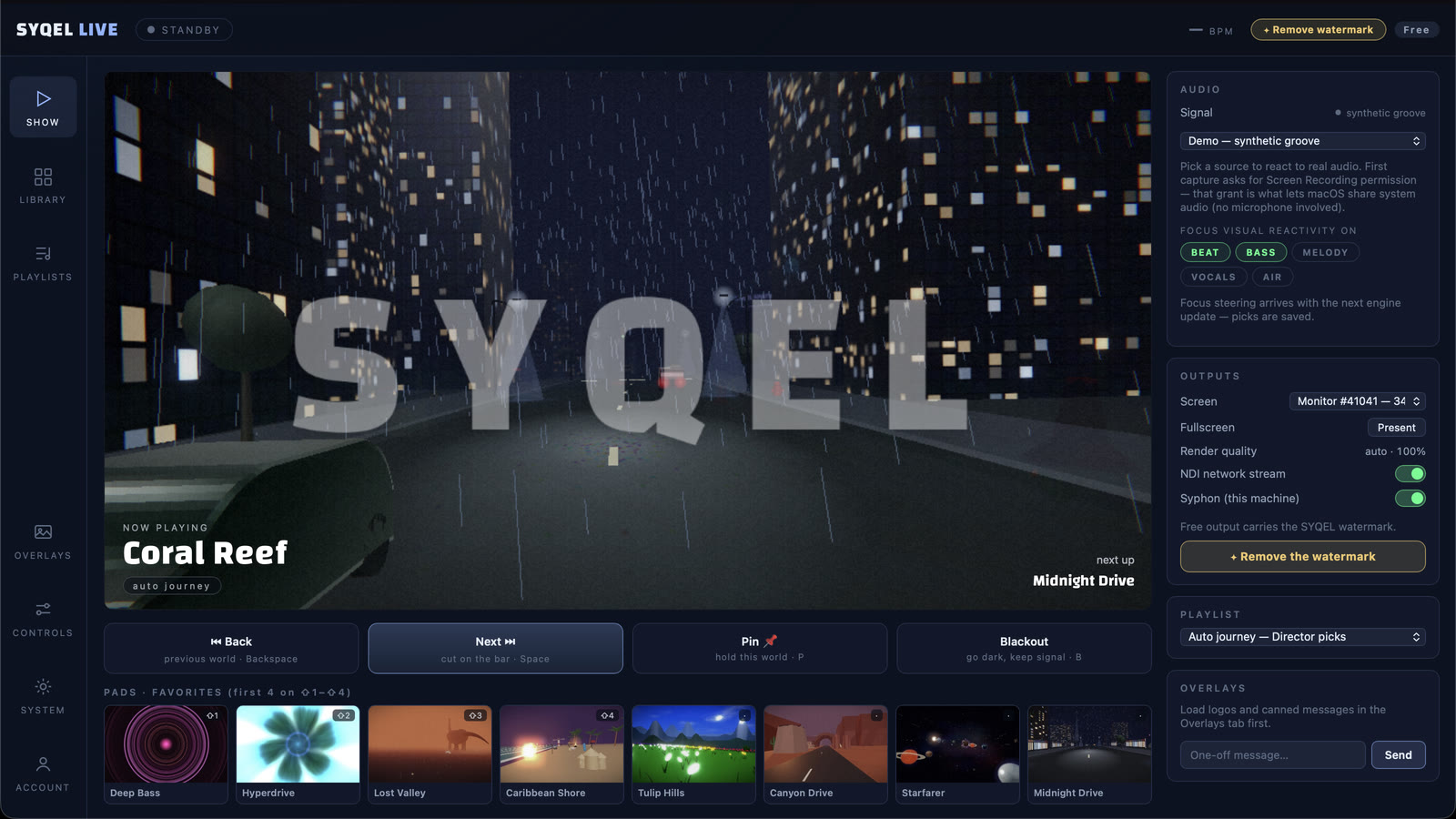
Product launches, company parties, a webinar that opens with a DJ. SYQEL Live puts whoever is on camera on a virtual stage and streams it to LinkedIn Live.
Free to try · Windows & macOS · No card required
Running visuals for a venue or a VJ set instead? SYQEL Desktop →
Most LinkedIn Live streams are someone talking in front of an office wall. When an event has music in it, such as a launch, an awards night, an internal party or a webinar with a music break, SYQEL Live gives it a stage. The person on camera stands in front of visuals that react to the music, your company logo sits on screen on a paid plan, and the stream goes to your LinkedIn event. LinkedIn decides who can stream on LinkedIn Live, so your page or profile needs that access first.
Go live on LinkedIn with SYQEL Live
Create a custom stream event
With LinkedIn Live access, create a live event and choose a custom stream. LinkedIn gives you a stream URL and a key.
Paste both into SYQEL Live
Choose LinkedIn Live in the destinations and paste the URL and the key.
Put the speaker on stage
Connect the camera, pick a stage, add your logo on a paid plan, and press Go Live when the event starts.
Your company’s look
A paid plan adds your own logo and images, so the stream carries your brand rather than ours.
Music moments that look the part
The visuals react to the music, so the DJ set or the band break looks like part of the event.
LinkedIn and YouTube together
Stream the same event to LinkedIn and to YouTube or Facebook for people outside your network.
A recording for the team
Record while you stream and share the full event afterwards.
Stream to more than one platform
SYQEL Live sends the same show to every platform you add, at the same time. How to connect each one:
Free to try. A plan takes the watermark off.
Stream free with the SYQEL watermark in the booth, with every visual pack. A SYQEL Live plan is $25 a month or $249 a year. For one show, a $20 Gig Pass covers 24 hours in SYQEL Live and SYQEL Desktop.
Frequently asked questions
Who can stream on LinkedIn Live?
LinkedIn sets the requirements and grants access. SYQEL Live works once your page or profile has it.
Where do I find the stream URL and key?
In the LinkedIn event you created as a custom stream. Copy both into SYQEL Live.
Can we pay for a single event?
Yes. A Gig Pass removes the watermark for 24 hours in SYQEL Live and SYQEL Desktop. Nothing renews.
Related setups
Ready for your next stream?
SYQEL Live is free to try on macOS and Windows.