For venues & spaces
Set the lounge mood with music-driven visuals
A lounge lives or dies by its atmosphere. SYQEL adds a visual layer that responds to the music already playing — slow, intentional, and sophisticated — without the cost of a custom installation or the maintenance of a media server.
Free to try · Windows & macOS · No card required

Lounge guests notice the sum of the experience: the dim lighting, the right music, the unhurried pace. Screens displaying stock footage or a blank default state undercut all of that effort. SYQEL converts your existing displays into ambient visual content that actually moves with the music — pulling back during a quiet piano piece, building slowly through a deeper electronic set late in the evening. The look stays consistent with your brand, runs without an operator, and can be changed in seconds if the night's energy calls for something different.
How SYQEL works with lounges
Take a feed from the DJ or music source
Plug into the lounge's audio feed — a line out from the bar's mixer or a dedicated aux send — and SYQEL immediately begins reading tempo, energy, and frequency.
Dial in the right aesthetic
Select from slow, fluid, abstract looks that suit a cocktail-hour crowd. Save a handful of approved presets so the bar manager can shift the vibe without an AV call.
Run it across all screens
Send the same visual to every display in the space over NDI, or push separate looks to the back bar versus the lounge area.
Sophisticated, not flashy
The visual library includes slow, generative, abstract works that suit a premium lounge aesthetic — nothing that feels like a nightclub screen mid-cocktail hour.
Genuine music response
Visuals aren't on a timer — they respond to what is actually playing, so a quieter set has a quieter visual and a late-night energy shift shows up on screen.
Multi-screen from one machine
One computer can feed multiple screens via NDI across the space, so back-bar displays and lounge feature walls stay in sync without additional hardware.
Custom branded looks
Overlay a sponsor or lounge logo with a paid plan, or the event name as marquee text — a clean way to set context without interrupting the visual experience.
What's in SYQEL Desktop
The parts DJs use every night — each one documented, none of them extra software.
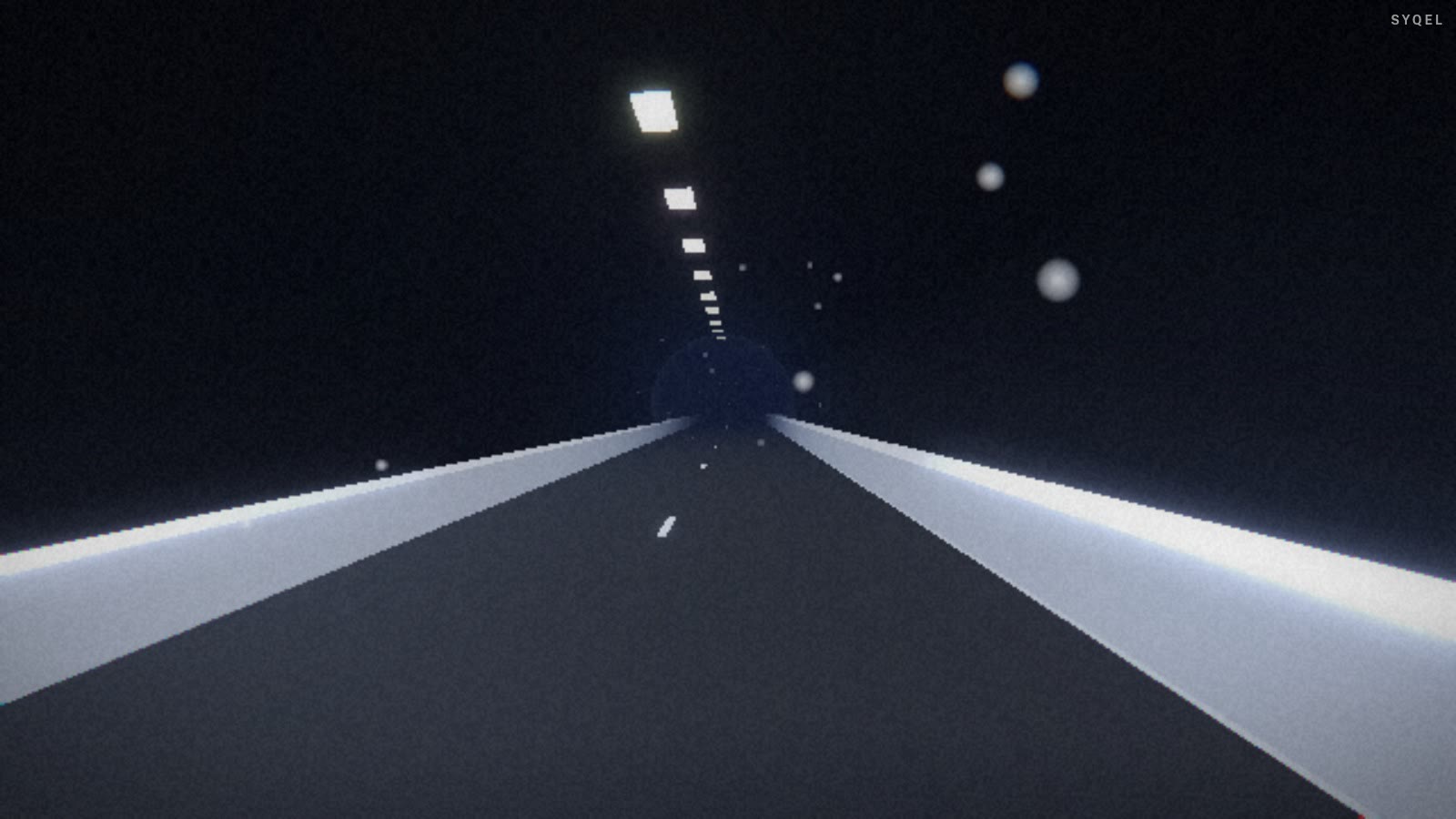
Works offline
Visuals, playlists, logos and hotkeys live on your machine. No internet at the venue, no problem — the show runs exactly the same. Sign in on another machine and your setup follows you.

Five visual feeds
Worlds, shaders, scenes, Milkdrop and image visuals — hundreds of looks in one library, every one of them reacting to the music in real time.

Control with MIDI or keyboard
Space for the next visual, Enter to hold one for the drop, Backspace to go back. Put any control, visual or playlist on a key or a pad with Learn Key and Learn MIDI — on every plan.
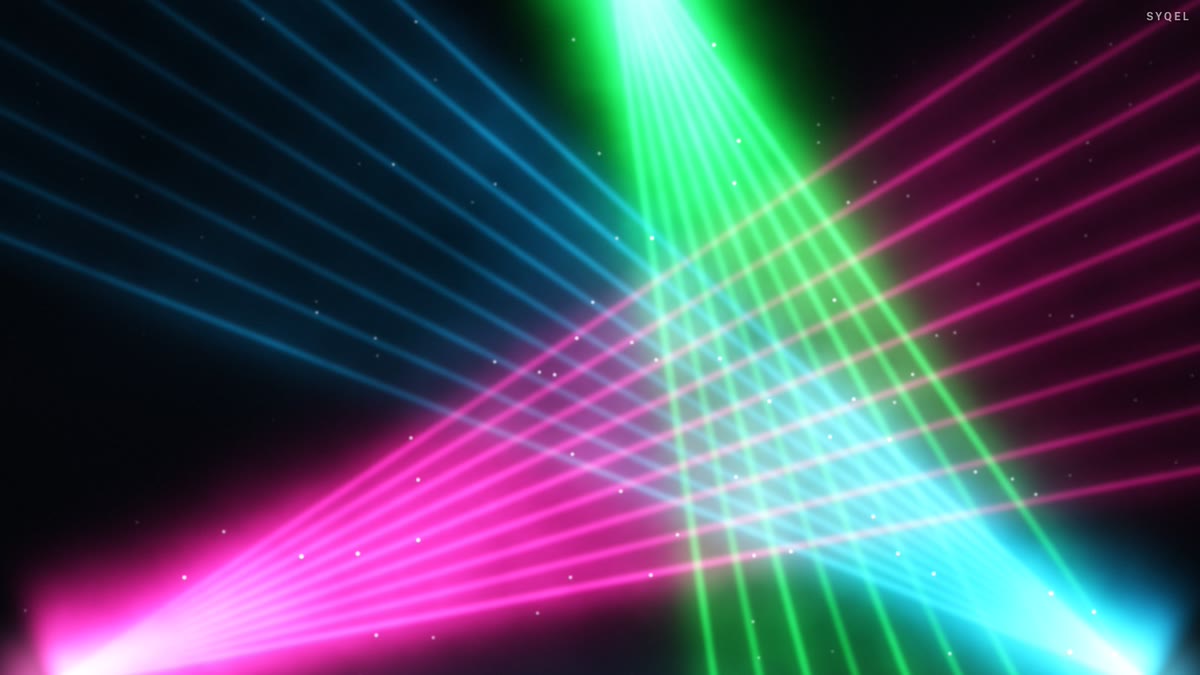
Broadcast and NDI
Press B for a clean output window to capture in OBS, or send the visuals over your network with NDI into OBS, vMix or Resolume — Spout too, on Windows.

Create visuals with AI
Describe a look — "neon hexagon tunnel that pulses with the bass" — and get a brand-new audio-reactive shader, or generate an image and let the AI animate it. Adjust it for free, keep what you make.
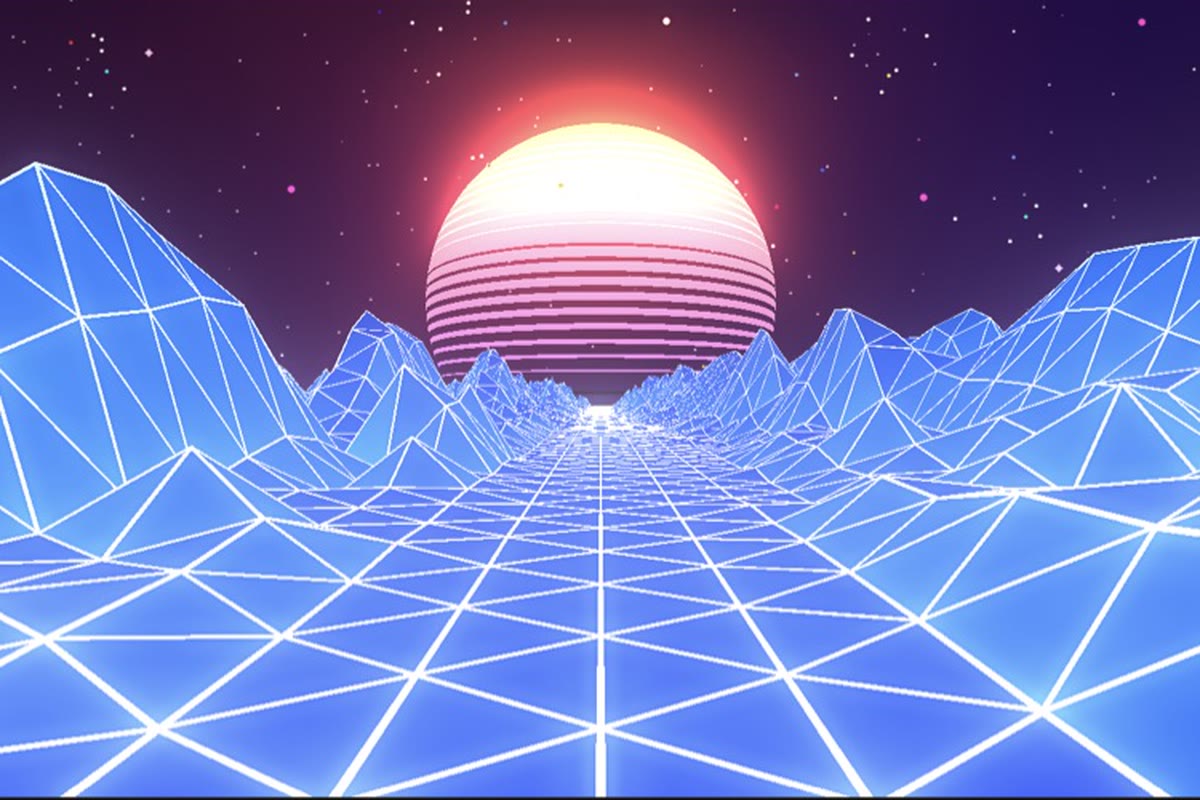
Record four formats at once
Press R and SYQEL saves four videos in one go — 16:9, 1:1, 9:16 and 4:5 — with your audio in them, straight into a SYQEL folder. One for every platform, nothing to capture or convert.
Start here
All tutorials →
SYQEL Desktop quick start: audio-reactive visuals for your DJ set in 5 steps
The five things to set before your first gig: your sound source, how the visuals change, the big screen, and Record for a DJ mix video.

SYQEL Desktop full tutorial: every feature of the music visualizer, step by step
Everything in one sitting: sound sources, MIDI, playlists, Milkdrop, importing shaders and sending visuals to OBS.
Frequently asked questions
Can we control how slow or subtle the movement is?
Yes. SYQEL has hundreds of presets ranging from barely-moving ambient fields to richly textured slow animations. You choose which looks are available and how much energy is needed before they shift — full control over the tempo and intensity.
Does it work with a resident DJ or live music nights?
Absolutely. SYQEL reads any live audio feed, so it works just as well with a DJ booth's line out as with a streaming playlist. The visuals respond directly to whatever is playing in the room at that moment.
What display hardware does it support?
SYQEL outputs to any display connected to the host computer and can distribute over NDI to networked screens and projectors. It works with standard HDMI, DisplayPort, and existing AV routing systems.
Related setups
Make your sound look as good as it feels.
Every SYQEL is free to try. Answer a few questions and we’ll point you at the right one.