For venues & spaces
On-brand audio-reactive visuals for the corporate stage
Corporate AV teams need visuals that are on-brand, reliable, and integrate cleanly with the existing rig. SYQEL delivers all three — branded, audio-reactive stage backdrops for conferences, product launches, and events that work within your signal chain, not around it.
Free to try · Windows & macOS · No card required

Corporate events have zero tolerance for technical failure and strict requirements for brand consistency. The AV team needs a visual system they can test in advance, trust on the day, and hand over to a non-specialist operator for the evening party. SYQEL fits that workflow: it outputs over NDI into the existing video distribution system, takes its audio from the production desk's line out, and runs from a set of pre-approved branded looks the client signed off on before the event. During a keynote, the stage backdrop responds subtly to the presentation music. During the after-party, it drives high-energy visuals that react to the DJ in real time — the same installation, two very different modes.
How SYQEL works with corporate events
Integrate into the production AV chain
SYQEL outputs over NDI, feeding into the event's video matrix or screen management system as a standard video source. The AV team patches it in exactly like any other input — no special routing, no proprietary hardware.
Pre-build and client-approve visual sets
Build the visual library before the event: branded looks for the keynote stage, energetic options for the party. The client approves the visual set ahead of time so there are no surprises on the day.
Hand off to the event team for the party
A non-technical event staff member can switch between approved presets with a single keypress — no AV operator required to babysit the visual system through the evening program.
Fully on-brand output
Put the client's logo on every screen with a paid plan, and their message as marquee text — consistent with the client's brand standards from the pre-function area to the main stage.
Integrates with professional AV rigs
NDI output feeds into the event's video matrix and screen management systems as a standard live source — no proprietary hardware and no changes to the existing signal chain.
Reliable and pre-testable
The entire visual setup can be tested, approved, and locked before the event day. Nothing is generated on the fly that hasn't been reviewed — important for high-stakes events.
One installation, keynote to after-party
Switch from subtle stage ambience during the conference program to high-energy reactive visuals for the DJ-driven evening event — same hardware, same operator, different preset.
What's in SYQEL Desktop
The parts DJs use every night — each one documented, none of them extra software.
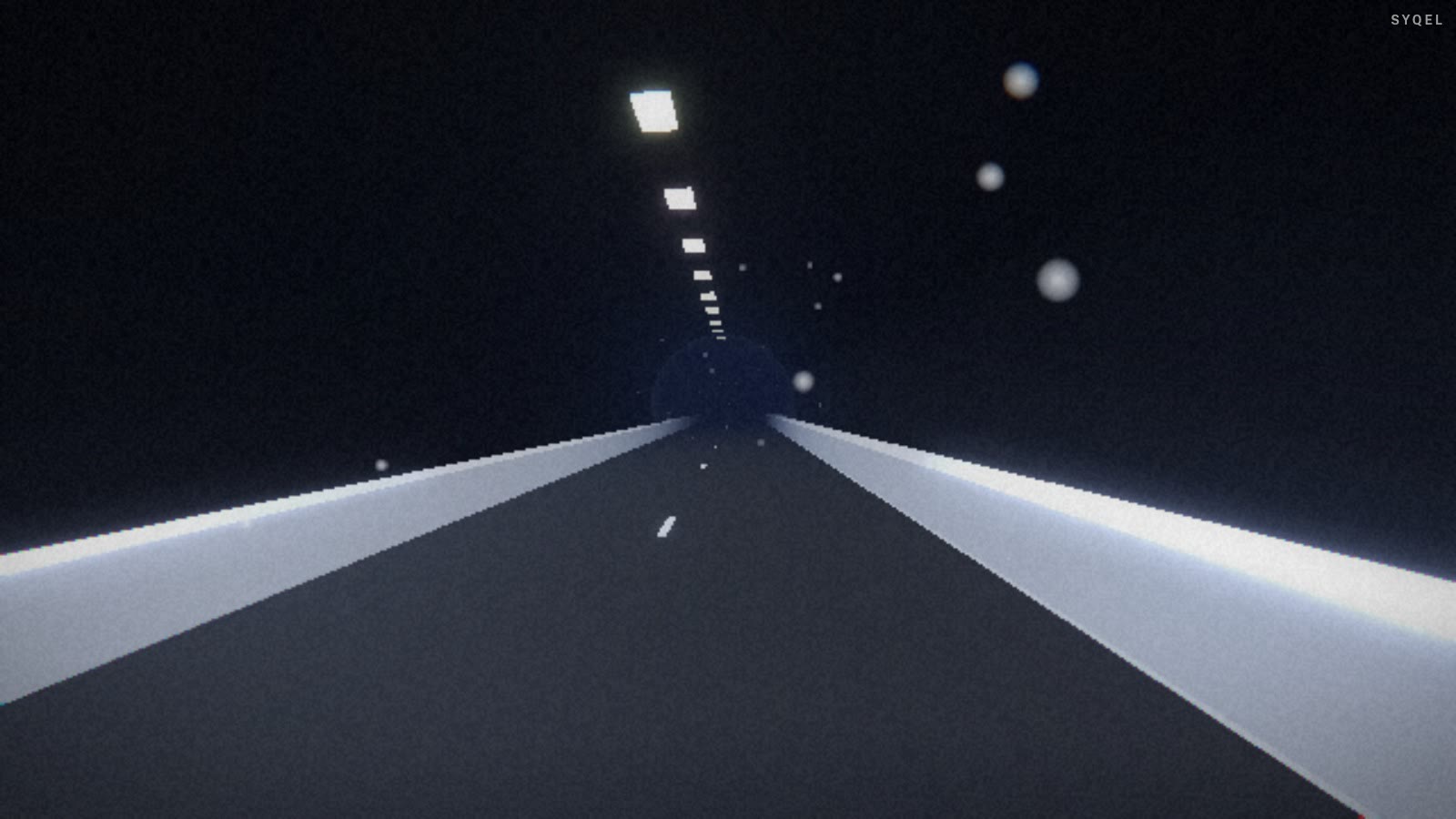
Works offline
Visuals, playlists, logos and hotkeys live on your machine. No internet at the venue, no problem — the show runs exactly the same. Sign in on another machine and your setup follows you.

Five visual feeds
Worlds, shaders, scenes, Milkdrop and image visuals — hundreds of looks in one library, every one of them reacting to the music in real time.

Control with MIDI or keyboard
Space for the next visual, Enter to hold one for the drop, Backspace to go back. Put any control, visual or playlist on a key or a pad with Learn Key and Learn MIDI — on every plan.
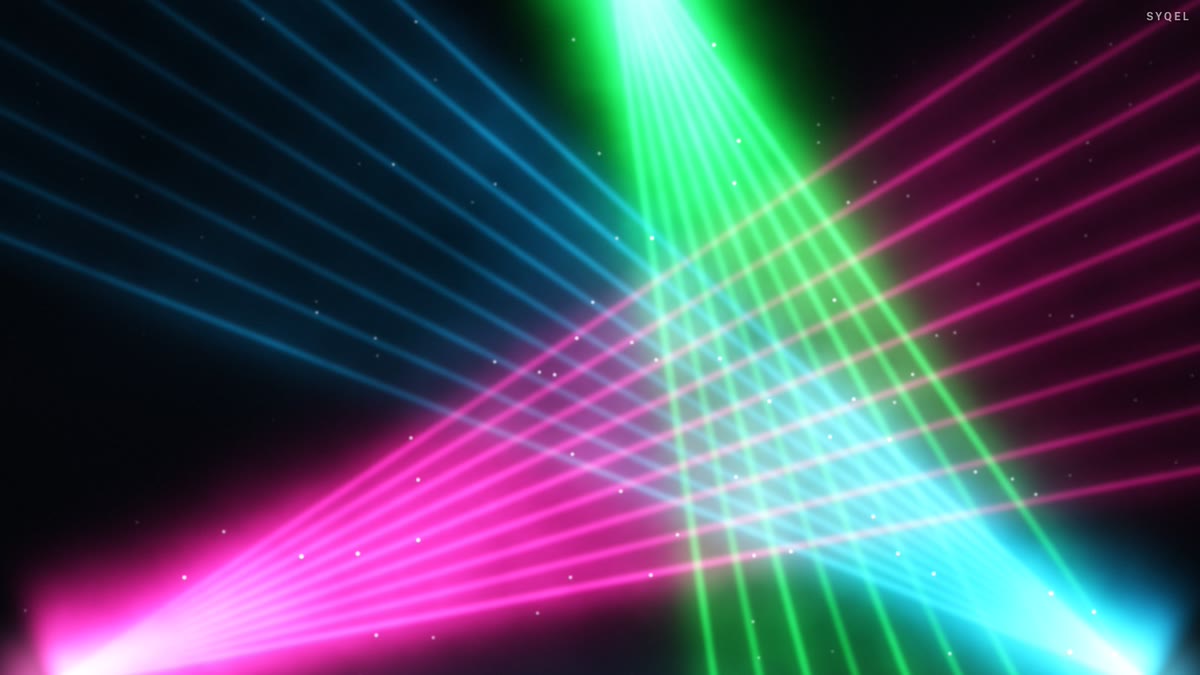
Broadcast and NDI
Press B for a clean output window to capture in OBS, or send the visuals over your network with NDI into OBS, vMix or Resolume — Spout too, on Windows.
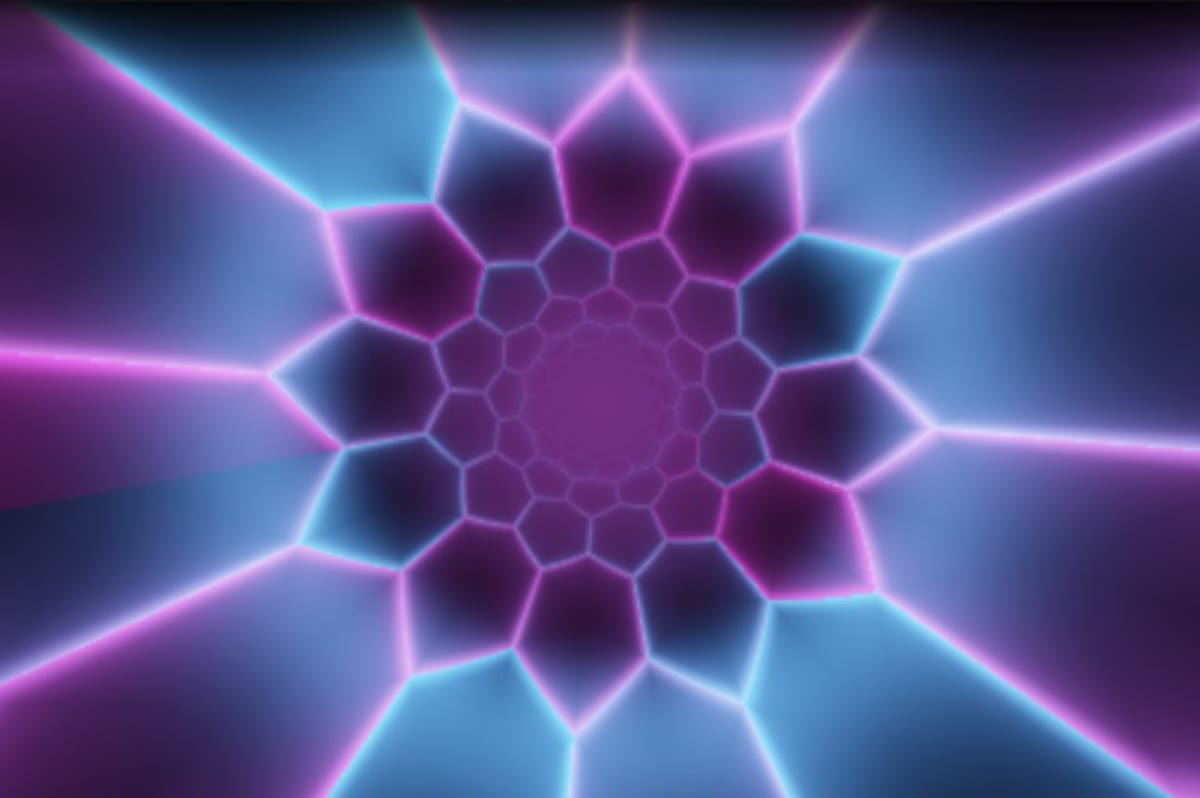
Create visuals with AI
Describe a look — "neon hexagon tunnel that pulses with the bass" — and get a brand-new audio-reactive shader, or generate an image and let the AI animate it. Adjust it for free, keep what you make.
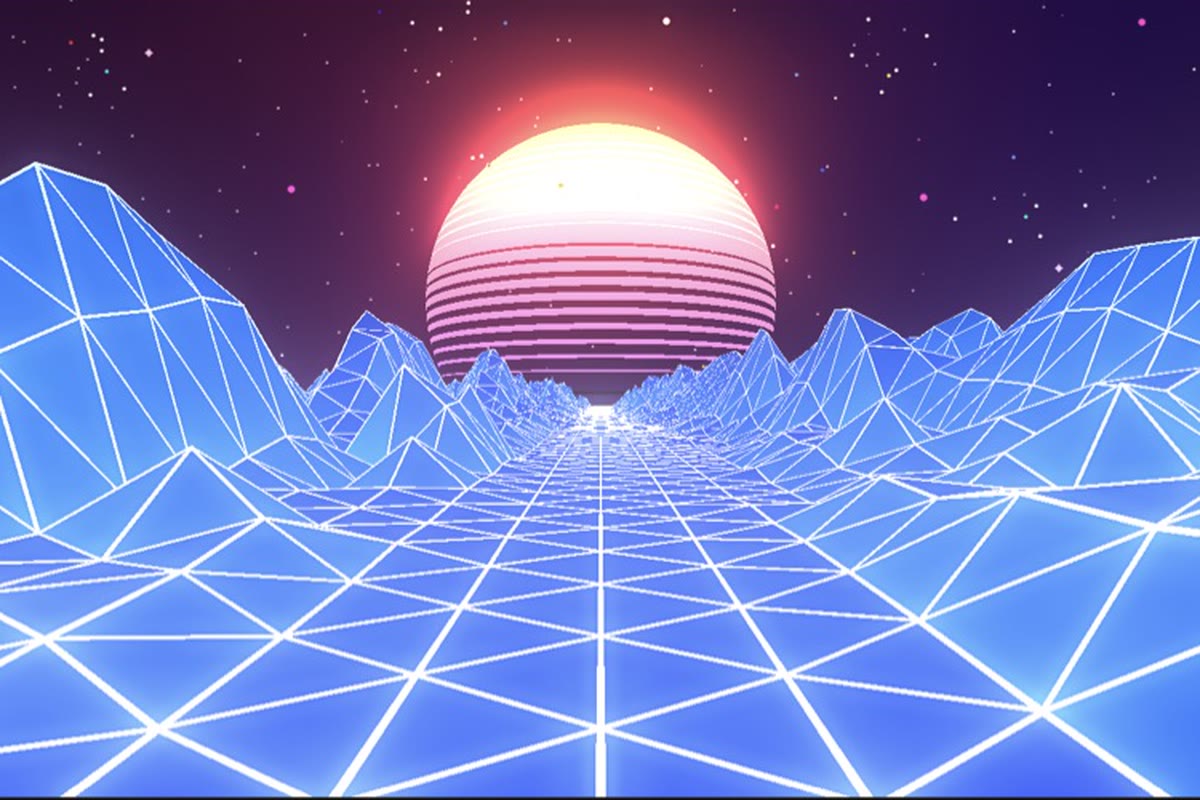
Record four formats at once
Press R and SYQEL saves four videos in one go — 16:9, 1:1, 9:16 and 4:5 — with your audio in them, straight into a SYQEL folder. One for every platform, nothing to capture or convert.
Start here
All tutorials →
SYQEL Desktop quick start: audio-reactive visuals for your DJ set in 5 steps
The five things to set before your first gig: your sound source, how the visuals change, the big screen, and Record for a DJ mix video.

SYQEL Desktop full tutorial: every feature of the music visualizer, step by step
Everything in one sitting: sound sources, MIDI, playlists, Milkdrop, importing shaders and sending visuals to OBS.
Frequently asked questions
Can the visuals be fully customized to the client's brand guidelines?
Yes. A paid plan puts your own logo on all screens, and marquee text overlays work on every plan. The AI visual generator can also create bespoke audio-reactive content built around the client's specific visual identity — generated fresh for the event without any design agency involvement.
How does it integrate with a standard event AV rig — Barco, Christie, or similar processors?
SYQEL outputs over NDI, which most modern video processors and screen management systems accept as a live video source. It appears in the switcher as a standard input and can be routed to any output in the matrix — treated exactly like a camera or presentation source.
What happens if the AV operator needs to cut away from SYQEL mid-event — for a video, speaker camera, or slide show?
Because SYQEL is just another input in the video matrix, the switcher operator handles transitions exactly as they would any other source cut. SYQEL continues running in the background and can be brought back to any screen at any point in the program.
Make your sound look as good as it feels.
Every SYQEL is free to try. Answer a few questions and we’ll point you at the right one.