For venues & spaces
Live stage backdrop visuals that react to every act
Pre-rendered loops treat every act's set as interchangeable. SYQEL listens to the live audio from each act and drives the backdrop in real time — so the visual energy matches the music, not a production schedule.
Free to try · Windows & macOS · No card required

Festival production teams already have enough to manage. Pre-rendering or programming unique visuals for every act on multiple stages is a week of work that most budgets and timelines can't support. SYQEL cuts that production load to near zero: run a feed from the stage's FOH desk into SYQEL, load a curated set of visuals that fit each act's genre, and the backdrop runs itself. The audio-reactive engine responds to every drop, build, and breakdown in the live set without any operator input. For multi-stage events, each stage runs its own instance — completely independent, fed by its own audio source.
How SYQEL works with festivals
Tap the front-of-house desk for each stage
Run an aux send from each stage's FOH mixer into a dedicated SYQEL instance. The system analyses the live mix — level, frequency, and transients — and drives the backdrop immediately.
Pre-load genre-matched visual sets
Work with the production team before the event to assign a visual library to each act or genre. Stage managers can cycle through the approved looks manually or let the system rotate automatically.
Feed existing stage screens and backdrops
SYQEL outputs over NDI into your existing video distribution system, LED processor, or screen management software — no changes to the stage's AV signal chain.
Reacts to every live set uniquely
No two acts sound the same, and no two sets of visuals will look the same either — the system responds to the actual audio energy coming off the stage in real time.
Zero per-act pre-production
Instead of rendering clips for each act, curate visual libraries by genre or energy level before the event. The reactive engine handles the rest on the day.
Plugs into festival AV rigs
NDI output feeds directly into professional video distribution systems and LED processors used on festival stages — no extra hardware in the signal chain.
Independent per stage
Each stage runs its own SYQEL instance fed by its own audio source, so the main stage and secondary stage operate completely independently with no cross-feed.
What's in SYQEL Desktop
The parts DJs use every night — each one documented, none of them extra software.
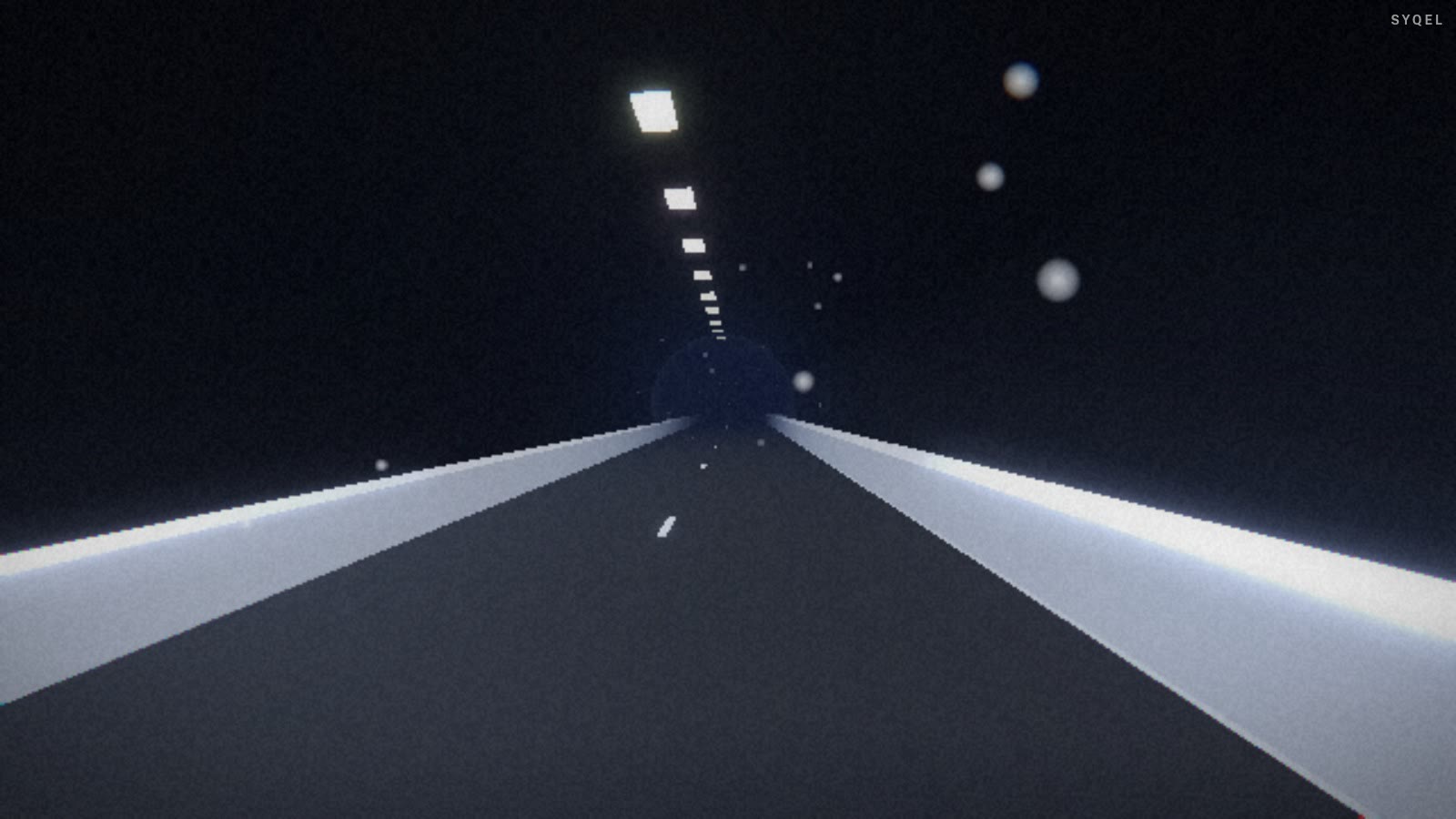
Works offline
Visuals, playlists, logos and hotkeys live on your machine. No internet at the venue, no problem — the show runs exactly the same. Sign in on another machine and your setup follows you.

Five visual feeds
Worlds, shaders, scenes, Milkdrop and image visuals — hundreds of looks in one library, every one of them reacting to the music in real time.

Control with MIDI or keyboard
Space for the next visual, Enter to hold one for the drop, Backspace to go back. Put any control, visual or playlist on a key or a pad with Learn Key and Learn MIDI — on every plan.

Broadcast and NDI
Press B for a clean output window to capture in OBS, or send the visuals over your network with NDI into OBS, vMix or Resolume — Spout too, on Windows.

Create visuals with AI
Describe a look — "neon hexagon tunnel that pulses with the bass" — and get a brand-new audio-reactive shader, or generate an image and let the AI animate it. Adjust it for free, keep what you make.
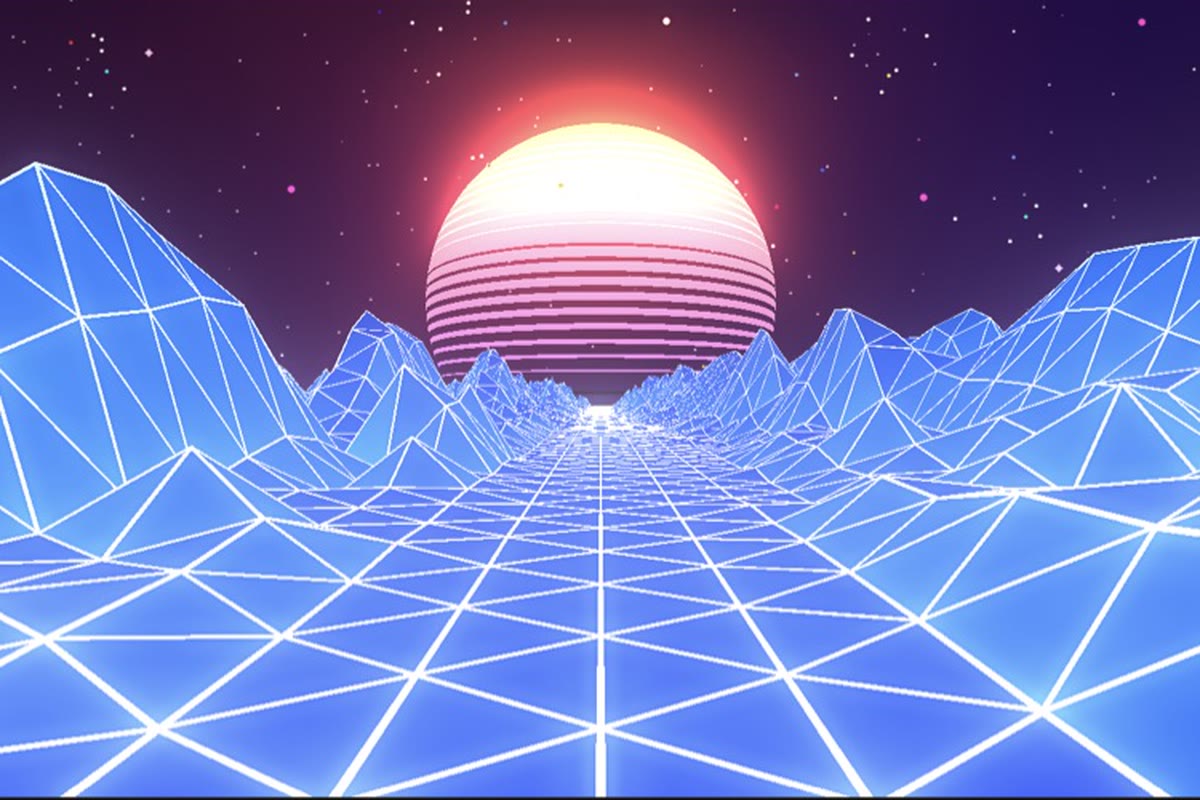
Record four formats at once
Press R and SYQEL saves four videos in one go — 16:9, 1:1, 9:16 and 4:5 — with your audio in them, straight into a SYQEL folder. One for every platform, nothing to capture or convert.
Start here
All tutorials →
SYQEL Desktop quick start: audio-reactive visuals for your DJ set in 5 steps
The five things to set before your first gig: your sound source, how the visuals change, the big screen, and Record for a DJ mix video.

SYQEL Desktop full tutorial: every feature of the music visualizer, step by step
Everything in one sitting: sound sources, MIDI, playlists, Milkdrop, importing shaders and sending visuals to OBS.
Frequently asked questions
Can it handle the transition between acts without looking broken?
Yes. During changeovers, ambient room noise or PA house music keeps the visuals moving at a lower energy state. You can also set a specific idle visual for the changeover period that activates when the audio level drops below a threshold.
What if an act's set is very different from what was expected — can we switch looks mid-set?
A stage operator can switch visual presets at any time with a single keypress. The system transitions smoothly, and the new look immediately begins responding to the live audio.
Does it work with outdoor stages and large LED walls?
SYQEL outputs a standard video signal that feeds into any LED processor. Resolution and output format depend on the host machine's graphics capability, and the output can be scaled to match the wall's native resolution.
Related setups
Make your sound look as good as it feels.
Every SYQEL is free to try. Answer a few questions and we’ll point you at the right one.