Image Visuals

Image Visuals are AI-generated pictures brought to life by your music. SYQEL comes with a collection of them, and any you create yourself join the same feed.
Play them
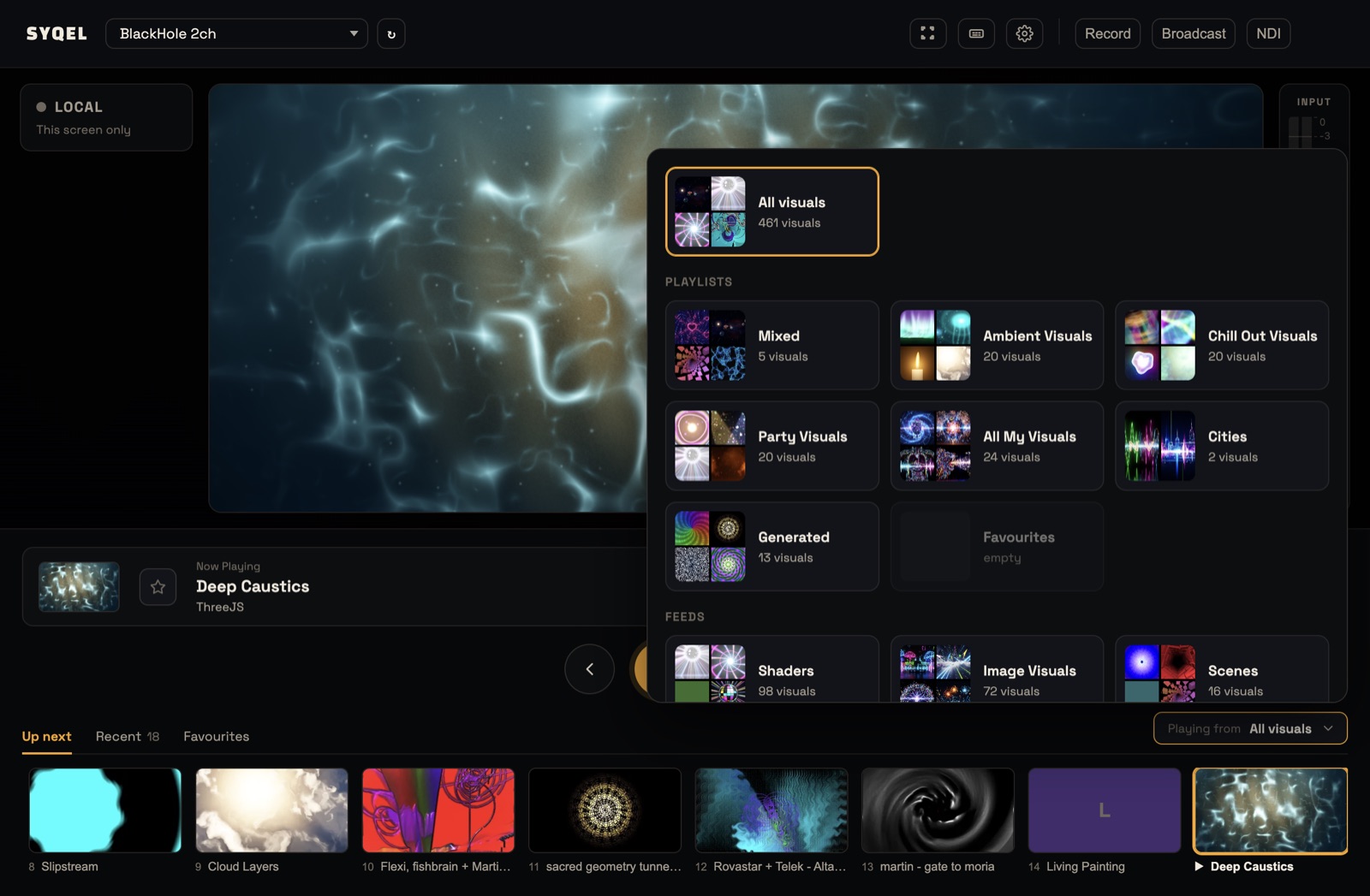
- On the stage, click Playing from at the right of the performance bar.
- Under Feeds, choose Image Visuals.
Only Image Visuals play until you choose another source. To play just some of them, put them in a playlist and pick that playlist under Playlists instead. See Creating a visual playlist. A playlist can also mix Image Visuals with Shaders, Scenes, Milkdrop and Worlds.
Browse and tune them
Open Settings › Library and click the Image Visuals chip to see them all. Click one to play it, then adjust Pulse, Colors, Brightness and Sensitivity under Adjust. See Editing a visual.
Make your own
Open Settings › Create, choose Image, describe what you want, pick an aspect ratio and art style, and click Generate. The Create screen shows how many AI credits you have left. See Creating a visual with AI.
Did this help? If you’re still stuck, email [email protected].